Bus Traffic Fever Level 57 Walkthrough and Solution
Watch the complete Bus Traffic Fever Level 57 solution and compare each traffic change with your board.
- Objective
- Clear the traffic board
- Key challenge
- Match the complete video route
- Guide format
- Full video solution
- Level status
- Written steps in review
Video Walkthrough
Solution summary
Quick Answer
Start Level 57 from a clean board and follow the embedded video in order. Stop after each vehicle exits and confirm that your open lanes still match the video before making the next move.
Overall Strategy
Treat the video as the source of truth for this board. A different first move can change every route that appears later.
Keep the same board state as the video after each major move. If the layouts differ, restart instead of trying to repair a blocked route from the middle.
Starting Board
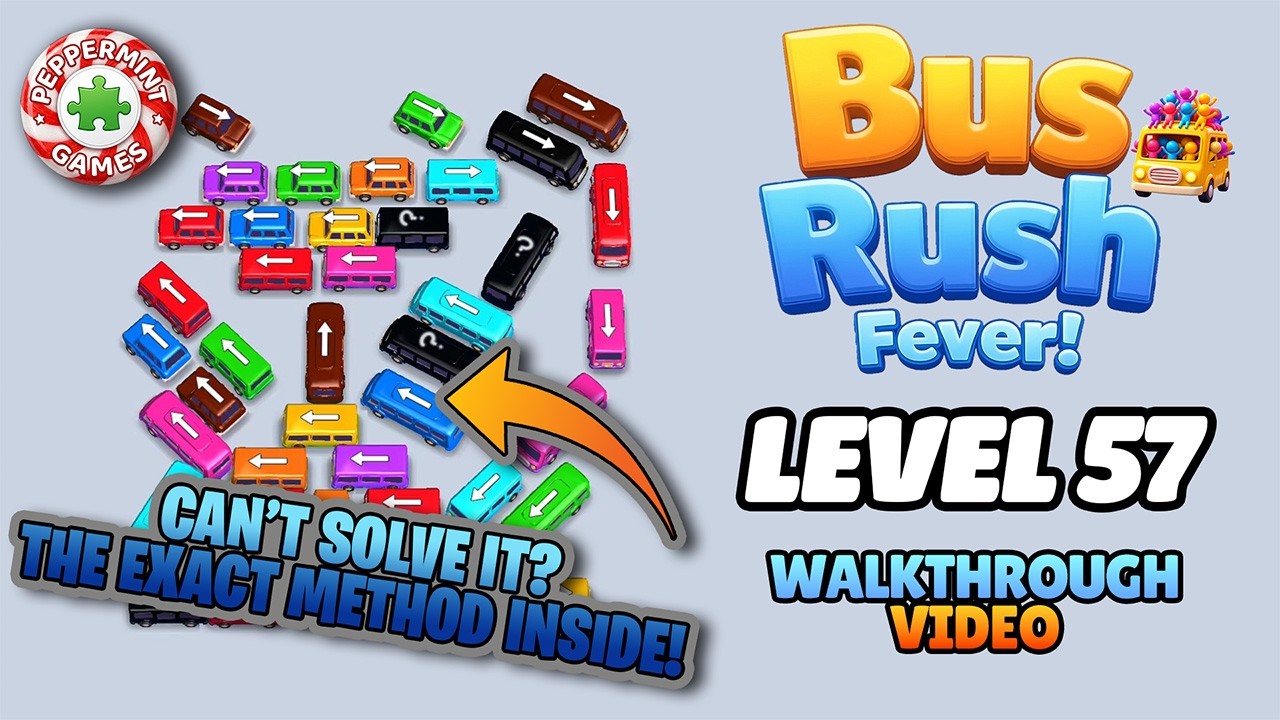
Reset the level before comparing this image. Game updates can replace a board, so use the screenshot finder if the layout on your device is different.
Step-by-Step Solution
The complete written move list for Level 57 is still being checked against the source video. Use the full walkthrough above; this page does not publish unverified vehicle colors, lane positions, or move directions.
Before Each Move
- Your board still matches the video.
- The selected vehicle has a complete exit path.
- The move does not close the lane needed next.
- Passenger and vehicle colors still align on screen.
Where Players Get Stuck
The common failure is continuing after the board no longer matches the walkthrough. Restart from the opening layout and compare every exit in order instead of trying to recover from a different traffic state.
Bus Traffic Fever Level 57 FAQ
How do I solve Bus Traffic Fever Level 57?
Play the full Level 57 walkthrough and match the vehicle order shown on screen. Reset the board first if your current layout no longer matches the opening position.
Why does my Level 57 board stop matching the video?
One earlier move can change every available lane. Restart the level, then compare the board after each vehicle leaves.
Can a game update change this level?
Yes. Game updates can reorder or replace boards. Use the screenshot finder when the displayed level number leads to a different layout.
Does the screenshot finder upload my image?
No. Matching runs in your browser, and the screenshot stays on your device.